Remote support for schools, from the office to the classroom.
School IT is often a few people for hundreds of devices spread over several buildings. ShareDesk lets you help a teacher at their Mac or PC without walking across the campus, prepare a computer room before the lesson and roll the app out to every Mac with your MDM. Every session needs a yes on the screen, unless you set up unattended access for the school's own computers.
What matters here
Roll out with your MDM
An installer package for Jamf, Intune, Kandji, Mosyle or Munki, and configuration profiles that lock settings. ShareDesk for IT departments
Switch features off centrally
Turn off the terminal, file transfer, tunnels or the private network on the school's computers, by profile on the Mac or Group Policy on Windows. Security and privacy
Many computers at once
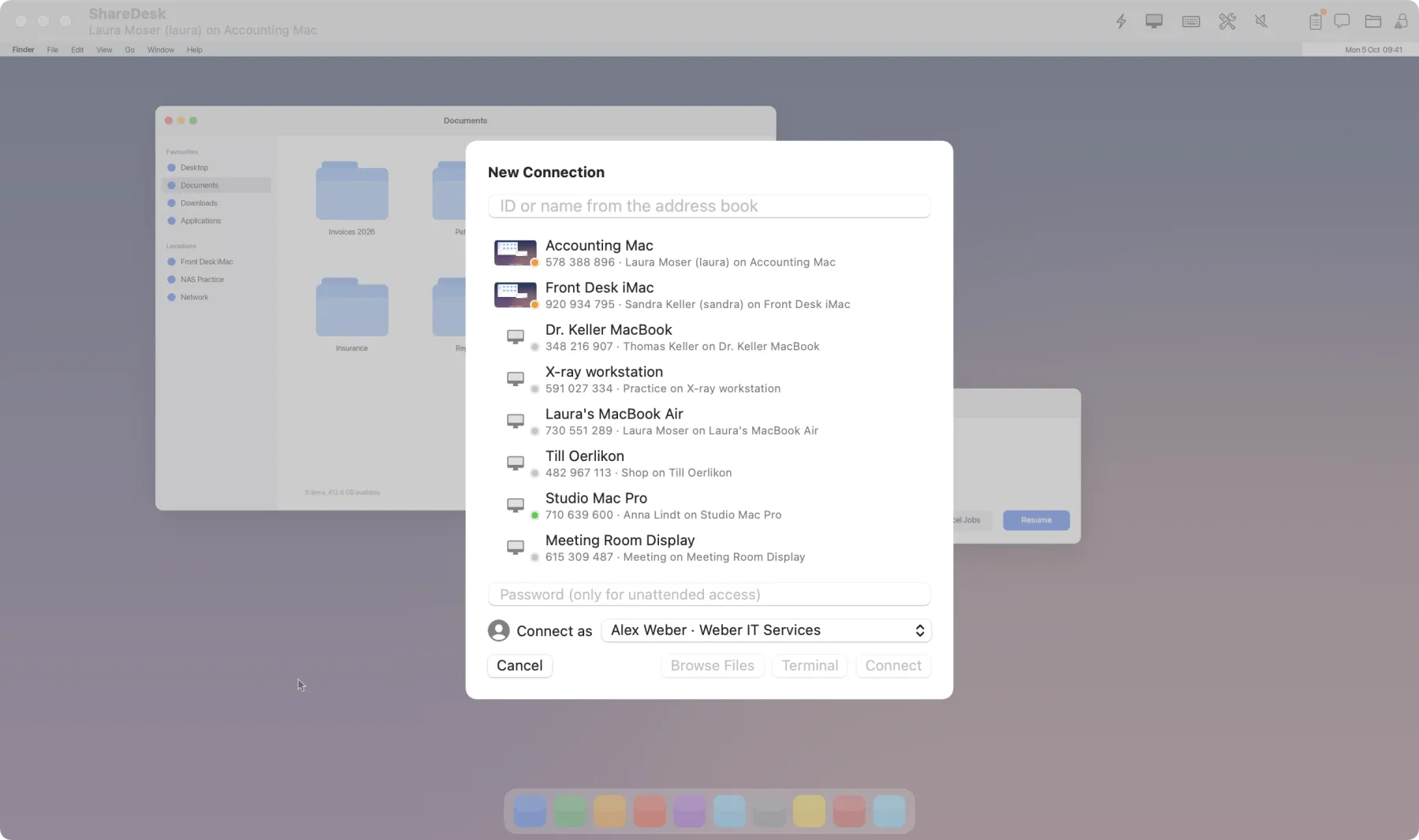
Group rooms and buildings in the address book, wake sleeping computers with Wake-on-LAN, and open several computers in tabs or all selected ones at once. Connecting
Point and watch
View-only sessions and drawing on the screen show a teacher where to click without taking over their mouse. Talking
Consent and a visible banner
On a teacher's computer, nobody gets in without a yes, a banner shows every session, and one click ends it. The customer decides
Older Macs too
Every Mac from macOS 10.15 on is supported, so the older machines in the computer room can be helped too. Download
How it works
Install it everywhere
Deploy the package with your MDM, or let teachers download ShareDesk themselves.
Help on request
A teacher reads you the ID shown in ShareDesk and accepts; you see the problem and fix it.
Look after the school's computers
For computer rooms and the office, set up unattended access with a password and two-factor codes.
Questions
Is ShareDesk free for schools?
Helping family and friends is free; a school's IT team uses the business plan: USD 18 per technician and month, billed yearly, excluding VAT. Teachers and students who receive help never pay, and only technicians count.
Can ShareDesk be used to watch students' screens?
It isn't made for that. Every session is shown with a banner, and on a computer without unattended access, someone at the screen has to accept it first.
Does it work behind the school's firewall?
Yes, there is nothing to configure on either side. If a network blocks direct connections, the session goes through a relay that only forwards encrypted data. Firewalls and relays
Try it on your next support call.
Free for private use. For work: USD 18 per technician and month, billed yearly, excl. VAT. The people you help never pay.