Remote support for studios that work on Macs.
Architecture offices, design studios and agencies run on Macs with big, sharp displays. ShareDesk was built for exactly that: it shows a 5K or 6K screen pixel for pixel with about one frame of delay, keeps thin lines and small type sharp, and sends ⌘Tab and your keyboard layout to the remote Mac as if you were sitting in front of it.
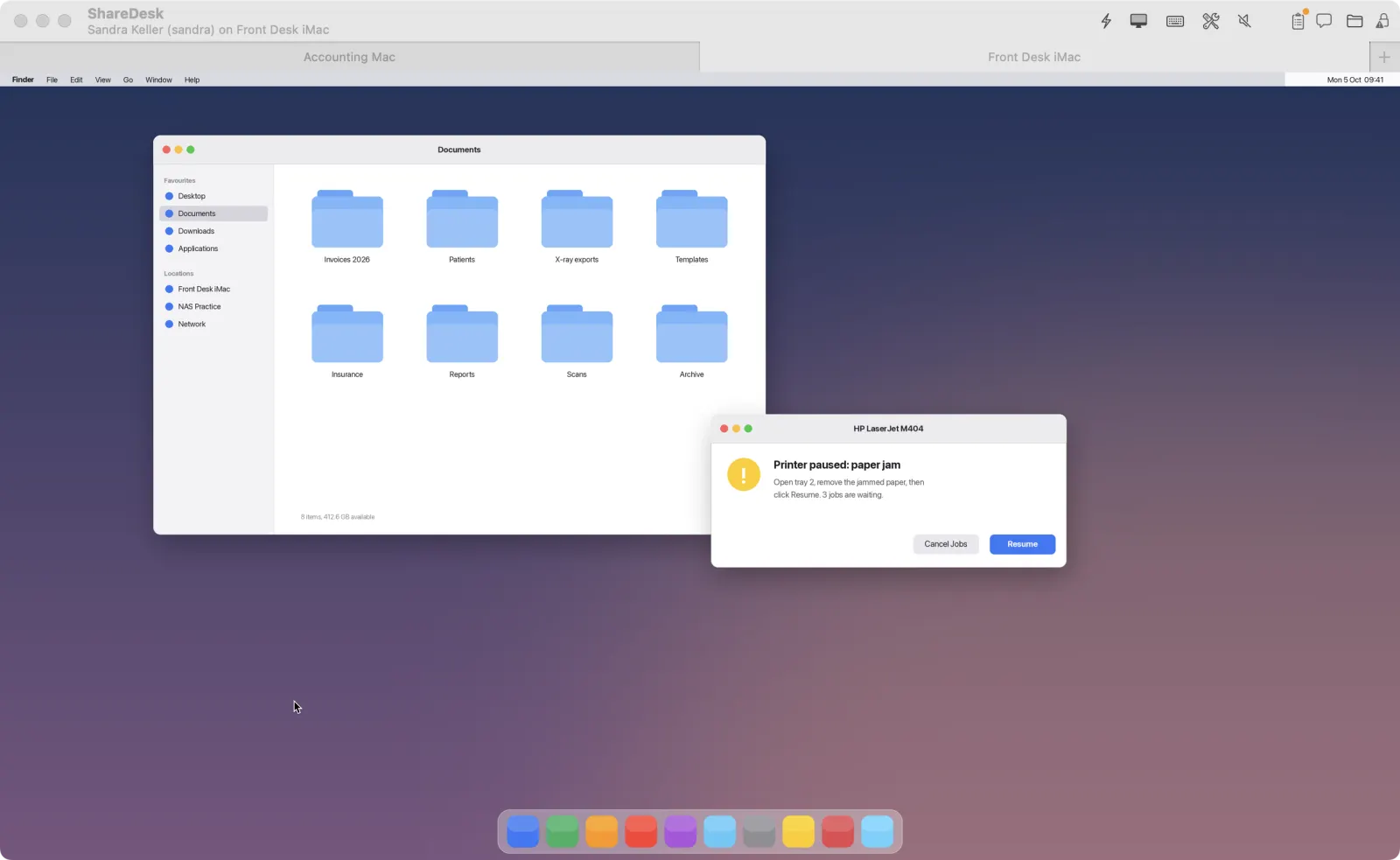
What matters here
5K and 6K, pixel for pixel
Native resolution, several monitors or all of them in one view, and up to 120 frames per second on ProMotion displays. Picture
Sharp Text for plans and layouts
Without the blur of video, thin lines, small type and code stay readable, even over slow lines (Mac to Mac). Picture
Shortcuts go where you mean them
⌘Tab, ⌘Space and friends reach the remote Mac, and every keyboard layout works, dead keys included. Keyboard and mouse
Big files, both ways
Copy and paste files or drag whole folders between the computers; documents arrive several times faster thanks to on-the-fly compression. Files, clipboard and printing
Print on the other side
What is printed on the remote Mac can come out of your printer or as a PDF, and the other way round once it's allowed. Files, clipboard and printing
Mac first, Windows too
Every Mac from macOS 10.15 on, plus Windows PCs and a web viewer for the odd machine. Download
How it works
Open ShareDesk on both Macs
The same app for the person who helps and the person who needs help.
Connect with the ID
Enter the 9-digit ID, the other side accepts, and you see their screen in full resolution.
Work as if you were there
Choose Sharp Text for plans and layouts, or the lowest latency for fast work.
Questions
Is the picture sharp enough for CAD plans and layouts?
Yes. ShareDesk shows the remote screen at its native resolution, and Sharp Text (Mac to Mac) sends a pixel-exact picture without video blur, so thin lines and small type stay readable.
Does it work over a slow connection?
It adapts to slow or busy lines within seconds, a still screen sharpens step by step, and for very slow lines you can choose fewer colors or grayscale.
Can I reach the Macs in the studio from home?
Yes, with unattended access: set a password on the studio Mac, add two-factor codes if you like, and wake it with Wake-on-LAN when it sleeps. Unattended access
Try it on your next support call.
Free for private use. For work: USD 18 per technician and month, billed yearly, excl. VAT. The people you help never pay.