Remote support for fiduciary offices, as discreet as your work.
Accounts, tax returns and payroll: the screens of an accounting or fiduciary office are full of confidential client data. ShareDesk connects your IT partner, or you from home, end-to-end encrypted and only with a yes on the screen or a password you set, with two-factor codes if you like. The operator is a Swiss company, and the session never passes through its servers.
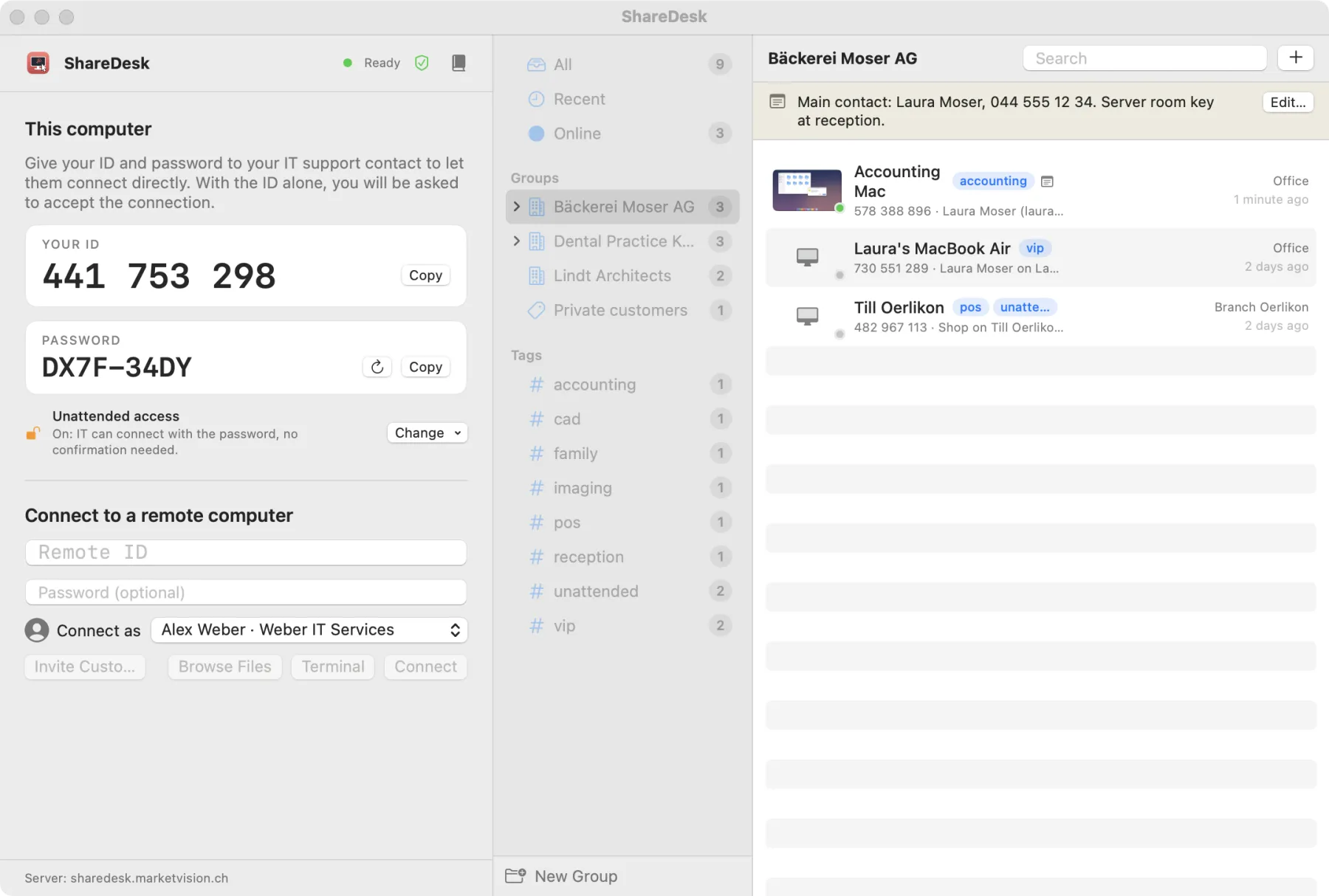
What matters here
End-to-end encrypted
Screen, input, files, clipboard and chat travel encrypted directly between the two computers; a security code on both screens shows that nobody is in between. Encryption
Your office computer from home
Reach your own computer in the office with a password that is never sent and optional two-factor codes; it can lock itself when you're done. Unattended access
Permissions you choose
Let your IT partner control the screen but not transfer files, or the other way round; each permission can be switched off during the session too. The customer decides
Hide the screen when it matters
The banner hides your screen from the technician with one click, for example while a client's documents are open. The session banner
Files and printing, both ways
Copy and paste files between the computers, and print documents from the remote computer on your own printer or as a PDF. Files, clipboard and printing
A Swiss operator
Developed and operated by MarketVision AG in Zürich. Privacy policy
How it works
Open ShareDesk
On the computer that needs help, open ShareDesk; it shows a 9-digit ID.
Choose what is allowed
When your IT partner connects, you see who it is and pick the permissions.
Compare the code
For extra certainty, compare the six-digit security code on both screens.
Questions
Does ShareDesk meet professional secrecy requirements?
ShareDesk carries no certification for that. It helps you protect client data with end-to-end encryption, consent for every session, permissions you choose, no recording without notice and a Swiss operator; how you use it in your office stays your responsibility.
Can the session be recorded?
Only if the technician starts a recording. The banner on your screen then says so, and the recording is saved on the technician's side, not on our servers.
How is the unattended-access password protected?
The password itself is never sent: ShareDesk proves it with a one-time challenge, locks the ID for ten minutes after five wrong attempts and can require two-factor codes. Unattended access
Try it on your next support call.
Free for private use. For work: USD 18 per technician and month, billed yearly, excl. VAT. The people you help never pay.