Latency
≈1frame
Feels like sitting in front of it
Hardware video encoding, a direct connection between the two Macs whenever possible, and no buffering: you always see the newest frame. The pointer is drawn on your side, so it never lags.
Display
5K and 6K, pixel for pixel
Native resolution with HEVC, several monitors, original size or fit to window. Grayscale and 256 colors for slow lines.
Files
Copy, paste, done
Copy files on your Mac and paste them on the remote one, and the other way round. Drag whole folders in and out, or send a file with one click, with speed and time remaining. It even works through a session inside a session, as deep as they go.
⌘ C⌘ V
Keyboard
Shortcuts go where you mean them
⌘Tab, ⌘Space and friends reach the remote Mac. Hold the right ⌘ key when a shortcut should stay on yours.
Talk
Chat and sound
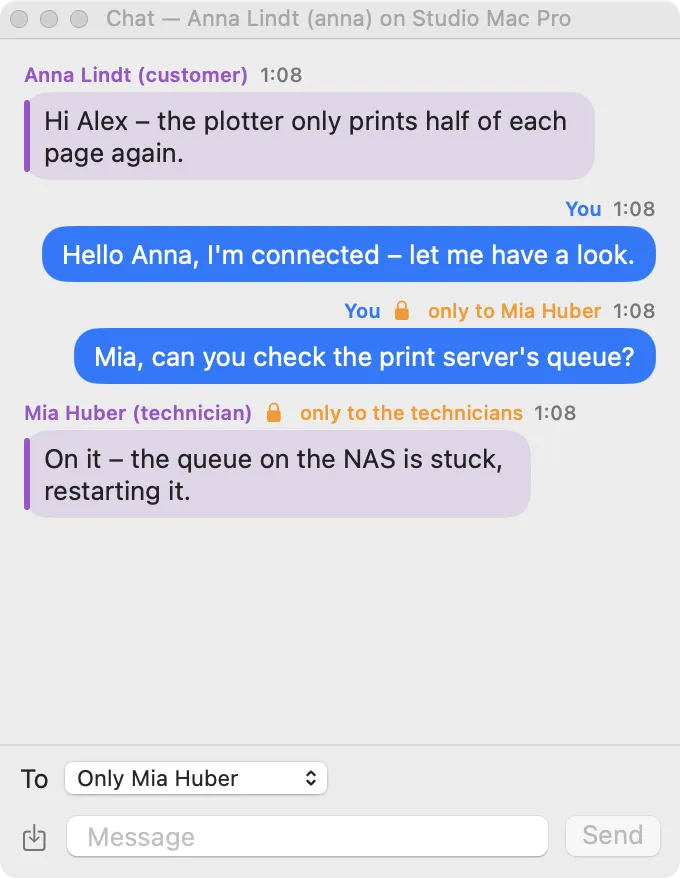
Chat with the customer, hear the remote Mac, and talk to them over your microphone.
Team
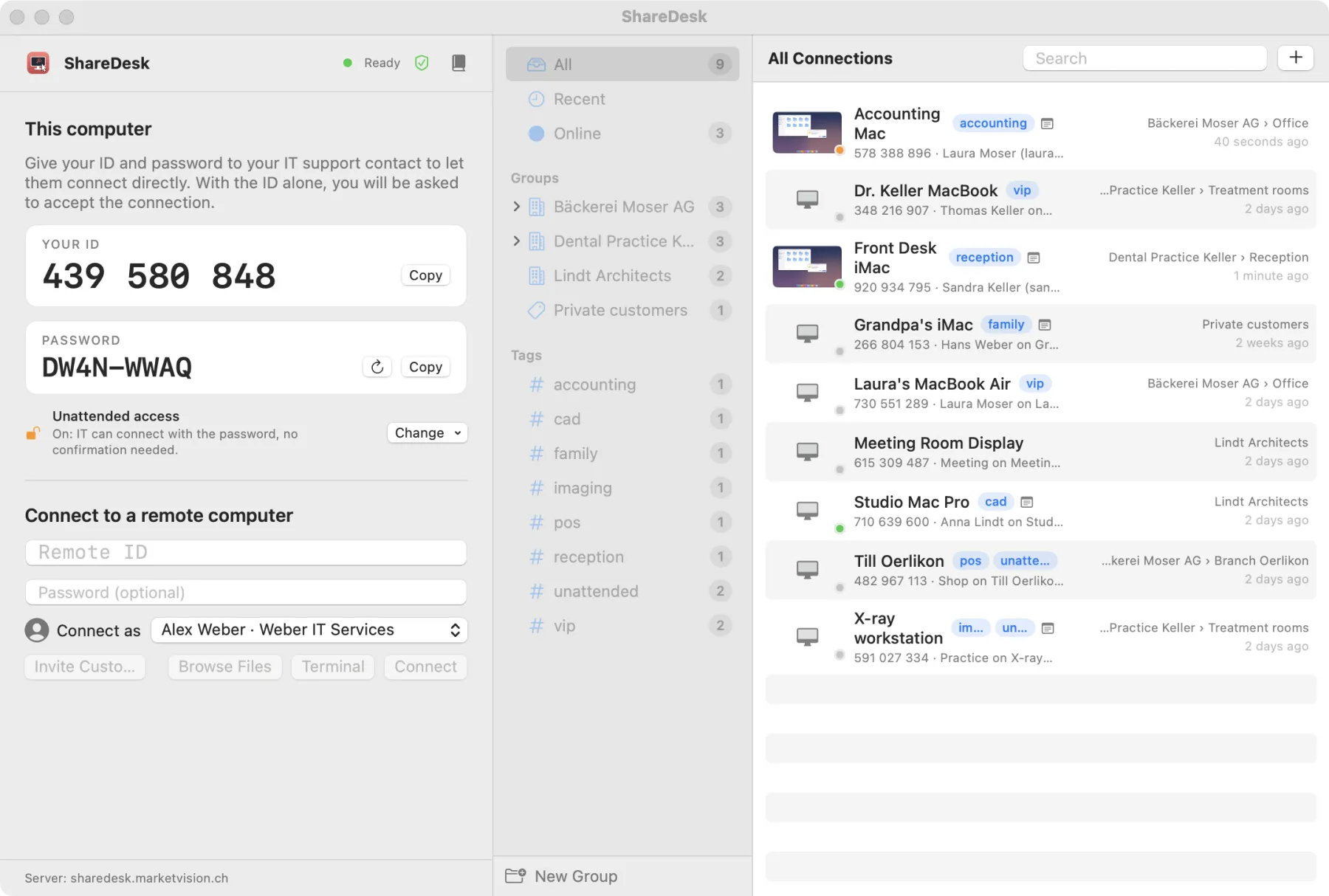
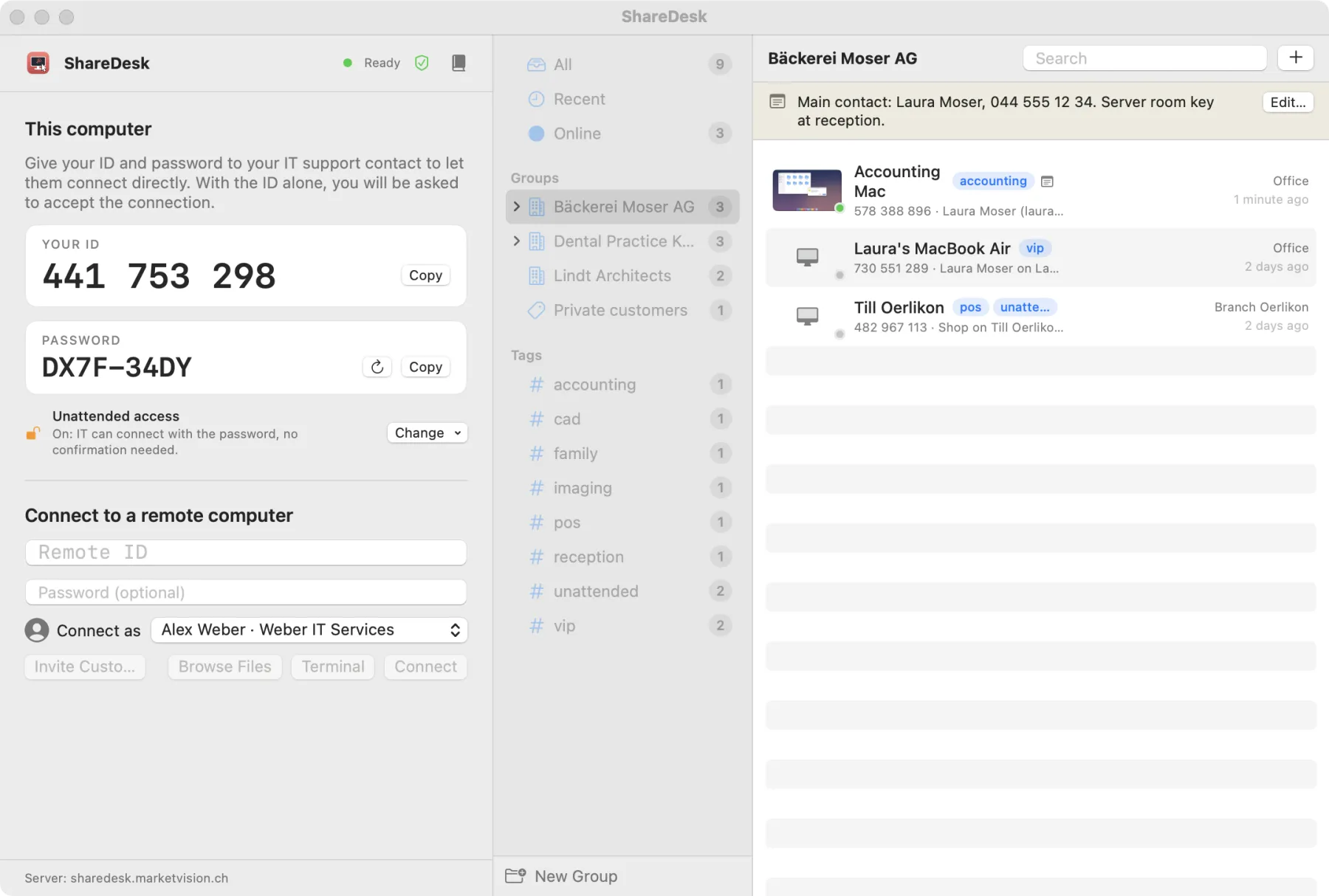
Address book and profiles
Save computers in categories, share them with colleagues, connect with your name, company and photo.
Info
Know the machine
Who is logged in, macOS version, CPU, RAM, disks, monitors and network adapters, one click away.
TabsMenu barAuto updates
Power tools
Terminal, tunnels and more
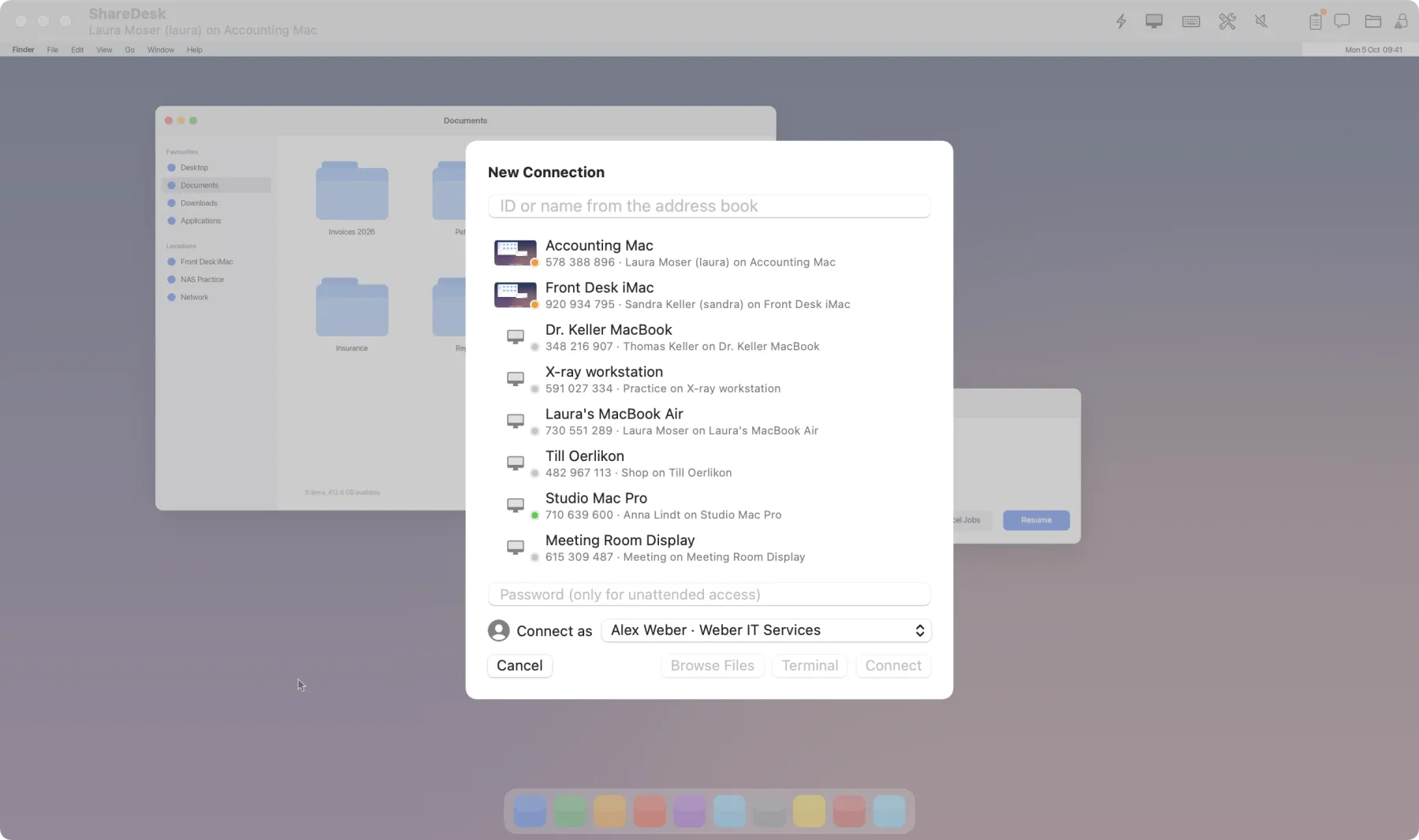
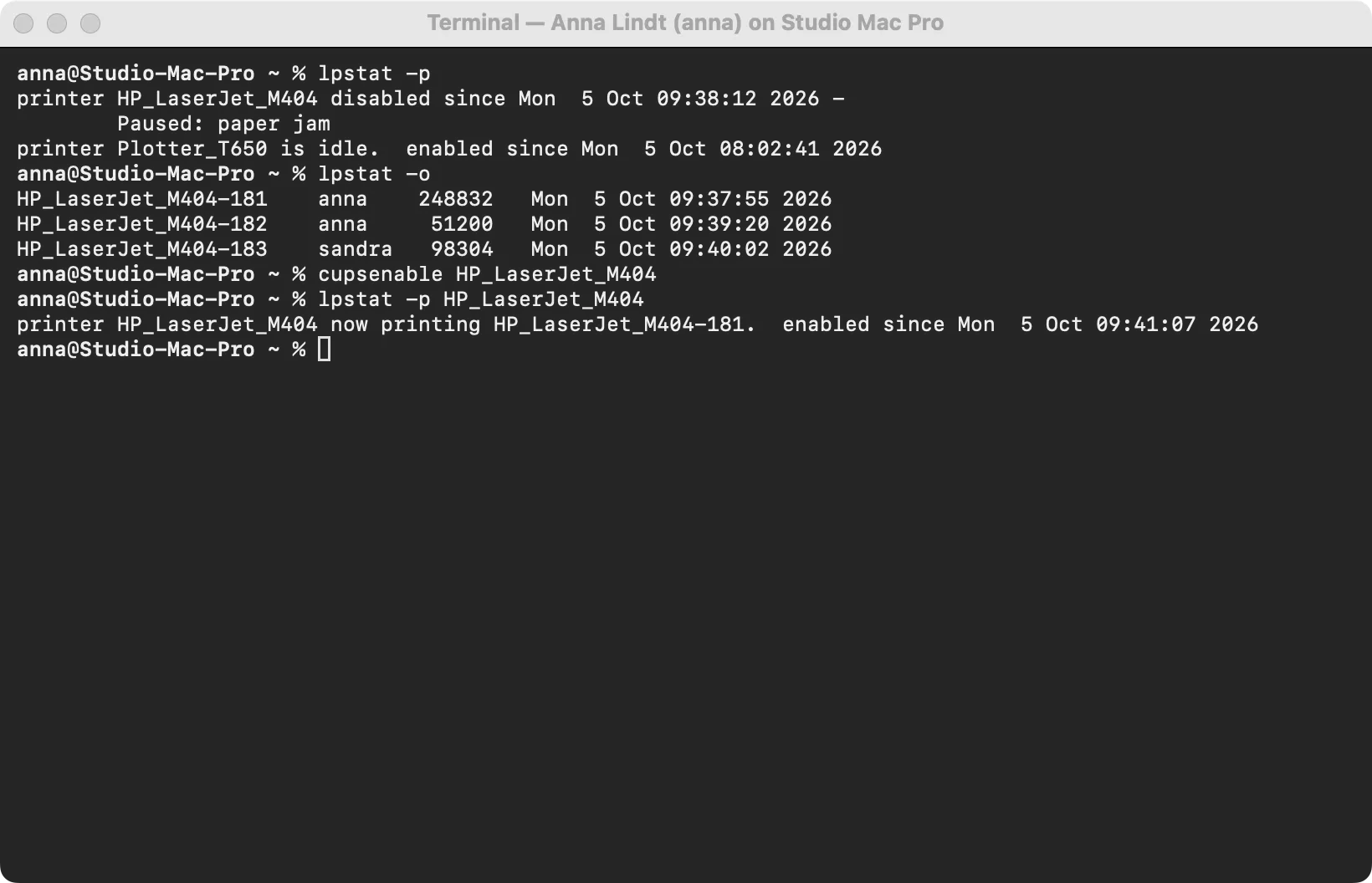
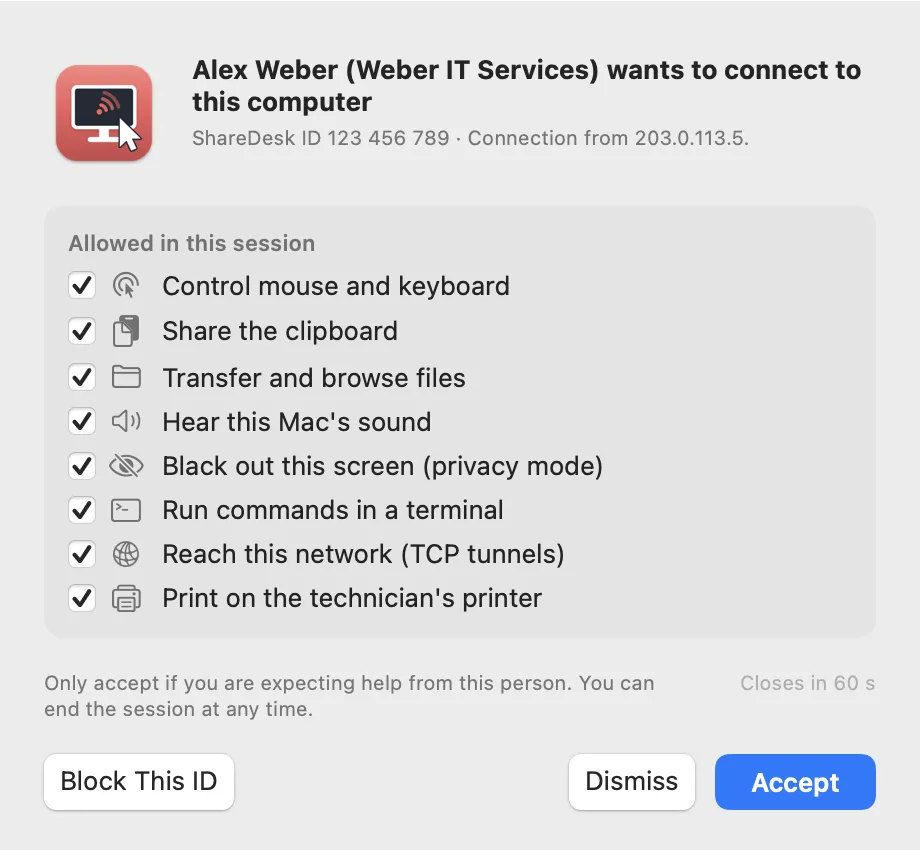
Open a shell on the customer's Mac, reach their router or printer through an encrypted TCP tunnel, show them your own screen, or restart their Mac and reconnect automatically.
TerminalTCP tunnelsSwitch sidesRestart and reconnectWake-on-LAN
Privacy
Work in private, point in public
Black out the customer's screen while you work, block their keyboard and mouse, or draw on their screen to show where to click. Pressing Esc three times gives them control back.
Privacy modeBlock inputPenView only
Records
Record and document
Record a session as a video, take screenshots and keep a log of every session with transferred files and notes.
Unattended
Before anyone logs in
Unattended access also works at the login window after a restart, protected by a password and optional two-factor codes.
Macros
Your own shortcuts
Save key combinations and text such as commands or user names, and send them from the Keys menu.
 Restart the remote Mac?